keepassxc-webauthn-passkeys
In this tutorial we will see how to use WebAuthn Passkeys with the KeePassXC-Browser extension for Chromium / Google Chrome / Mozilla Firefox, on Debian 13 (trixie).
First of all, install the required system packages:
| Bash | |
|---|---|
From the KeePassXC settings, enable Browser Integration for the browser(s) you want to use (e.g. Firefox):
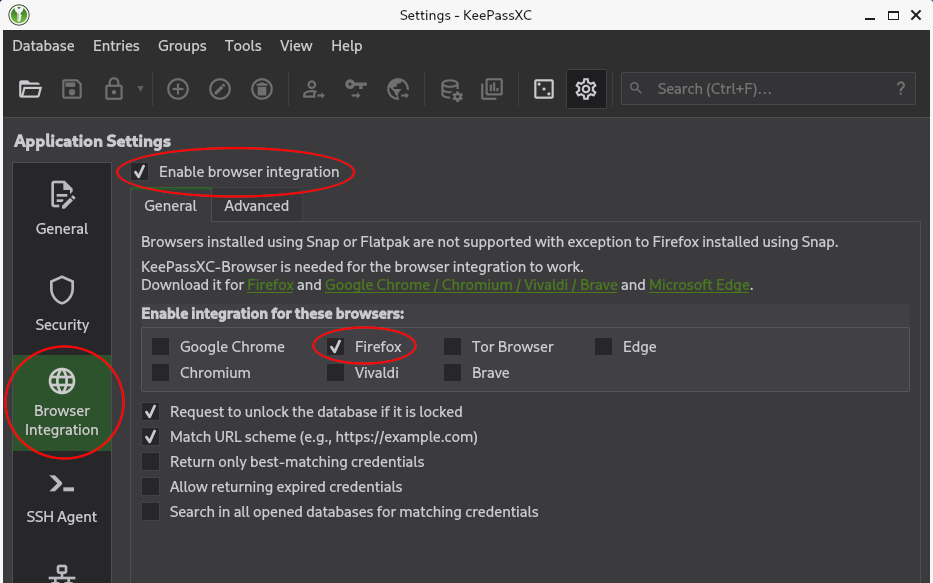
Now open a KeePass database in KeePassXC and, while leaving the application running in the background, open your browser.
From the KeePassXC-Browser extension settings, check the Enable passkeys option:
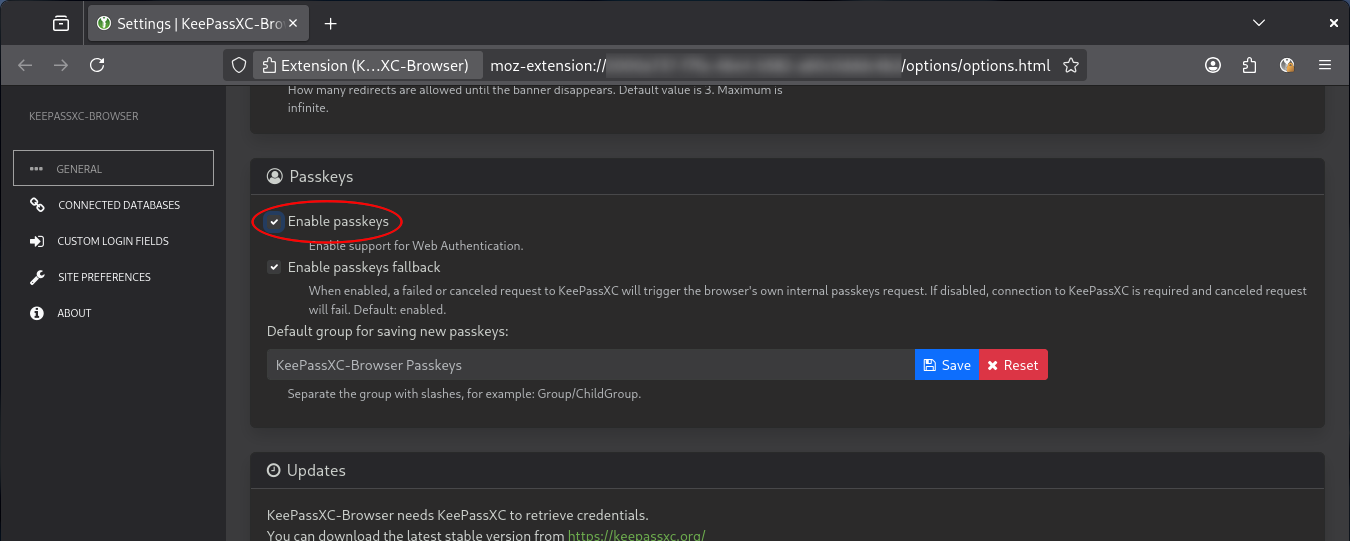
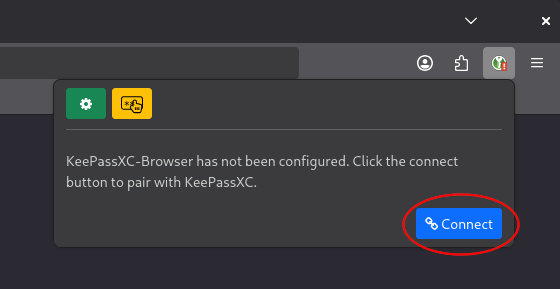
Now configure the connection between the KeePassXC-Browser extension and the database opened in the KeePassXC application, by clicking the Connect button in the extension's UI:
A KeePassXC window like this should pop up:
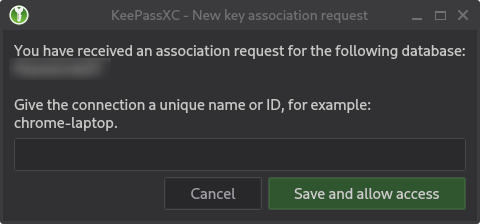
The connection details will be saved in the KeePass database file. The connection name should basically represent the KeePassXC-Browser instance.
Now go to a website that supports WebAuthn Passkeys, such as WebAuthn.io, and try to register a new passkey. A KeePassXC window like this should pop up:
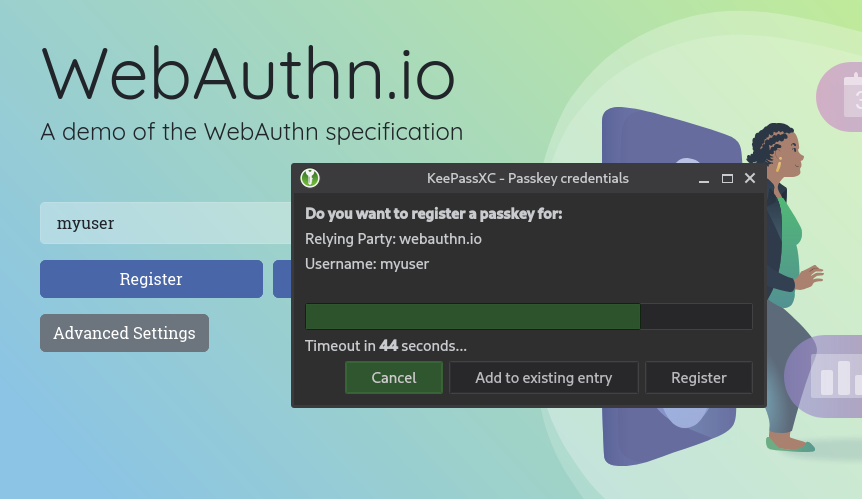
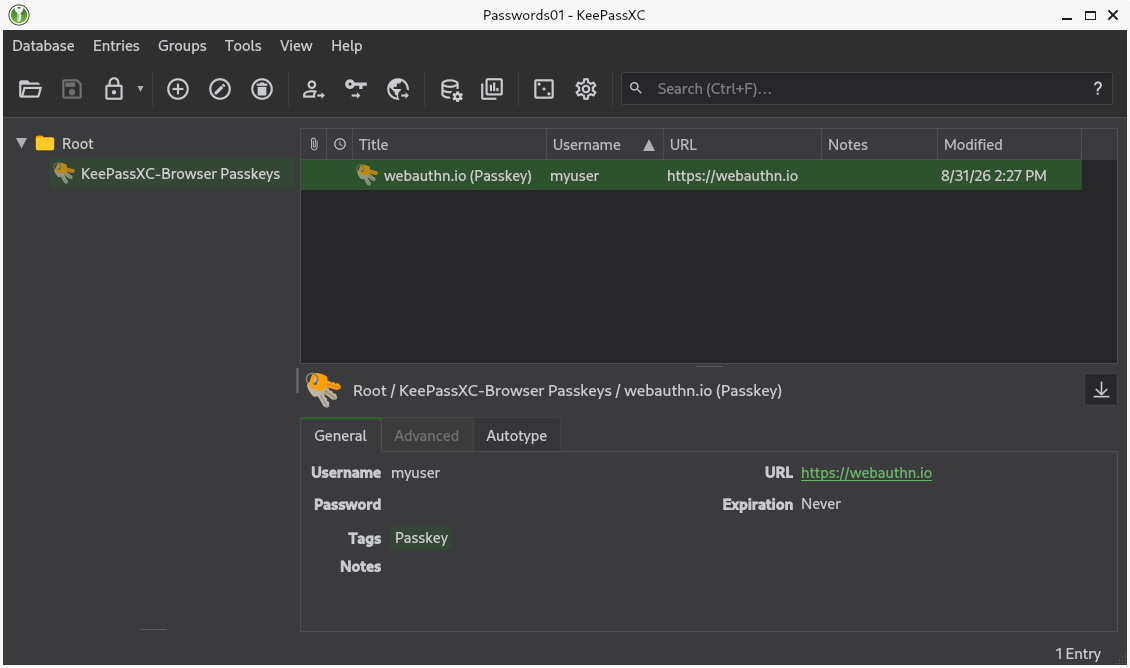
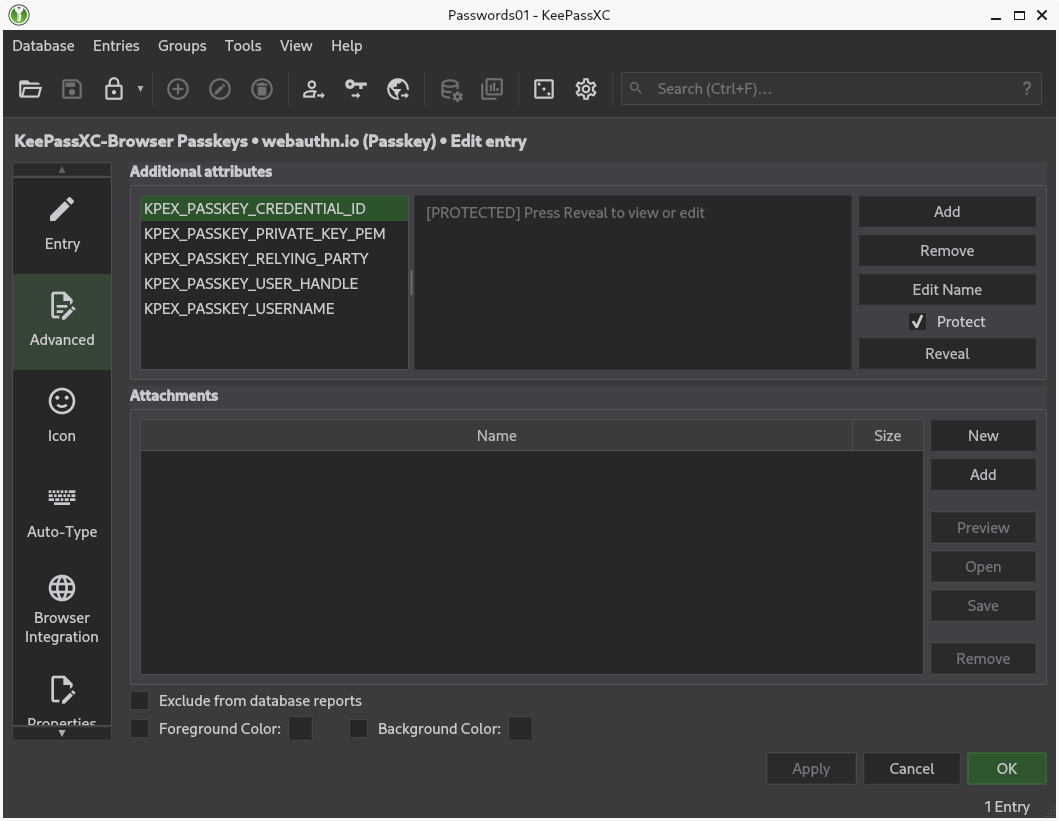
After that, if the registration was successful, you should see the related entry in the KeePass database: